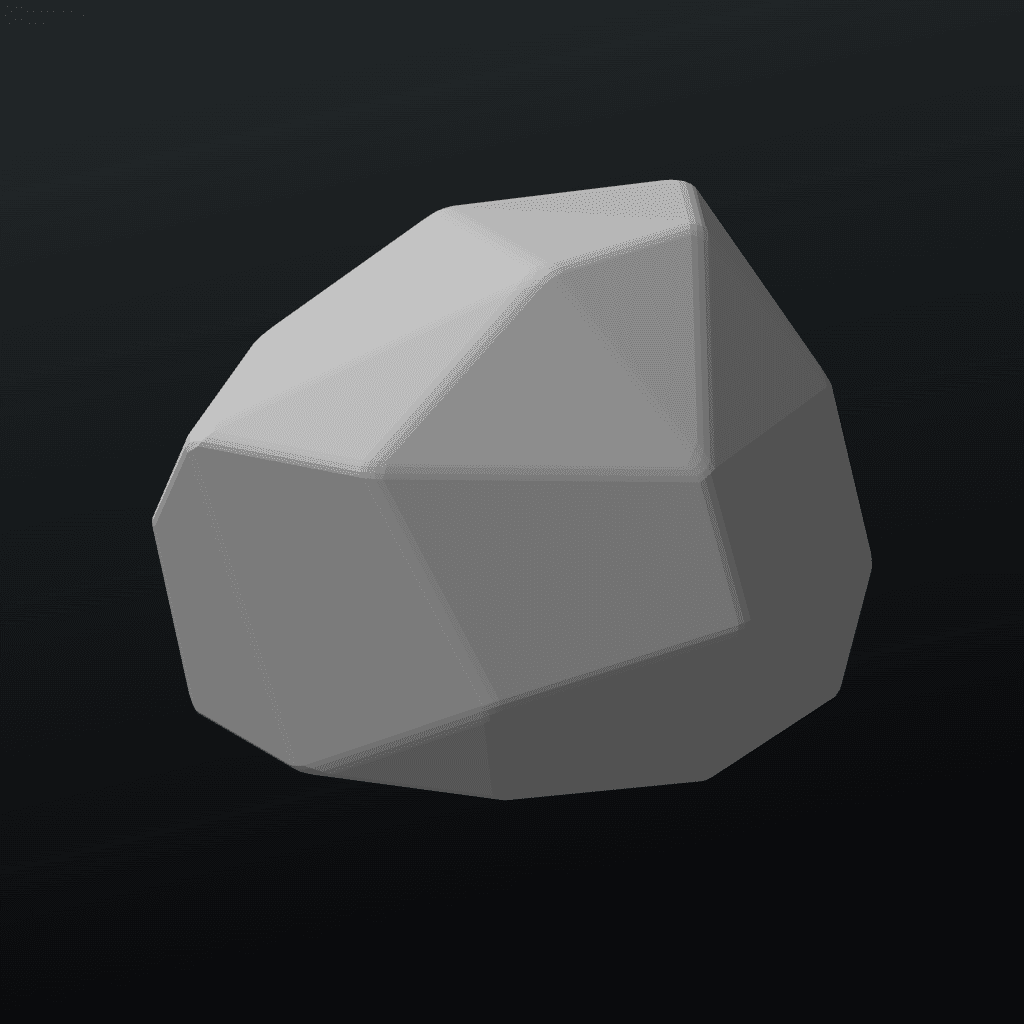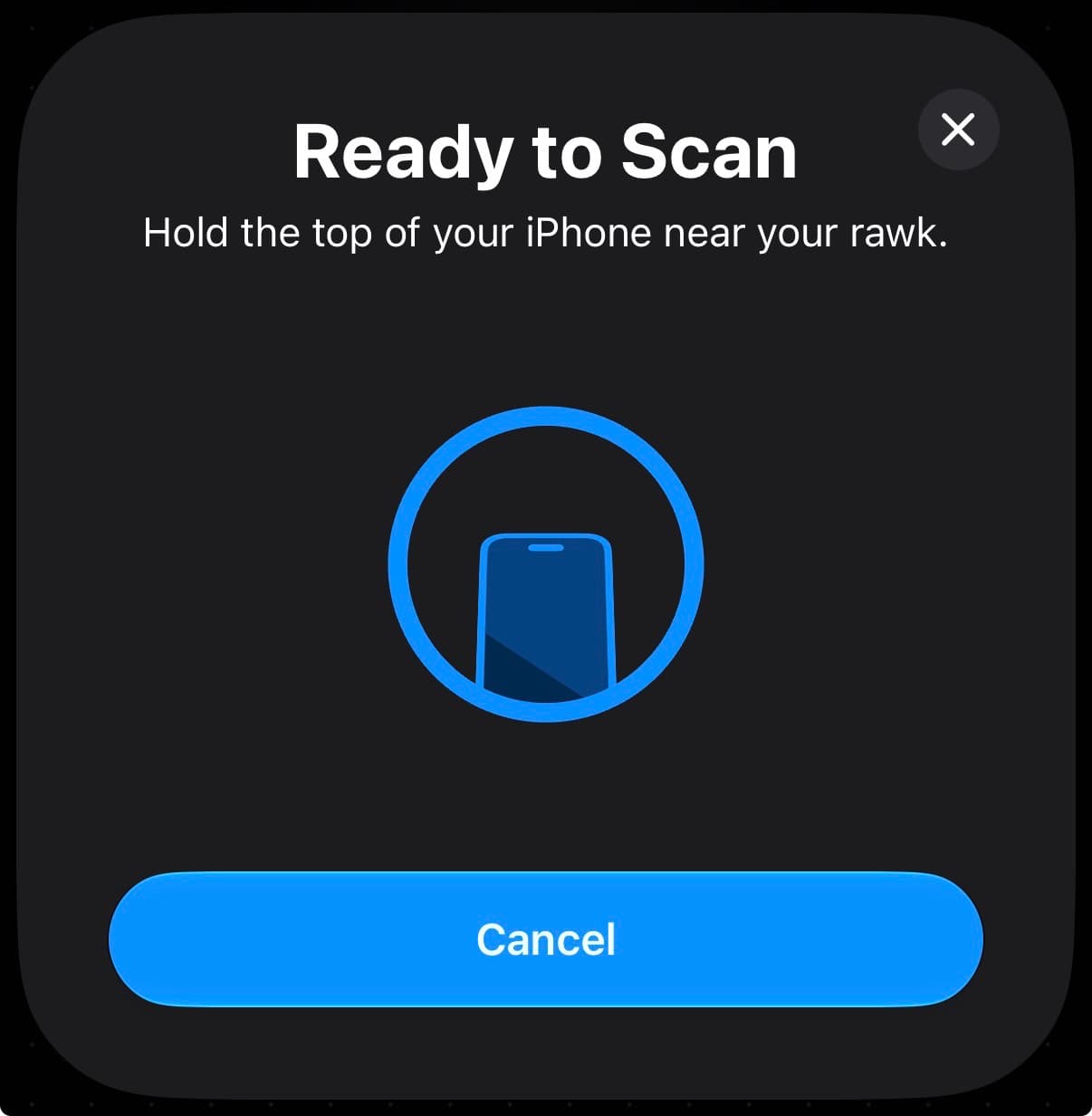
Pair your phone with Rawk
Scan your physical rock to pair, then choose the apps you want to set aside.
Illustration
Tap Rawk to make the noise disappear.
Ready · tap Rawk to focus
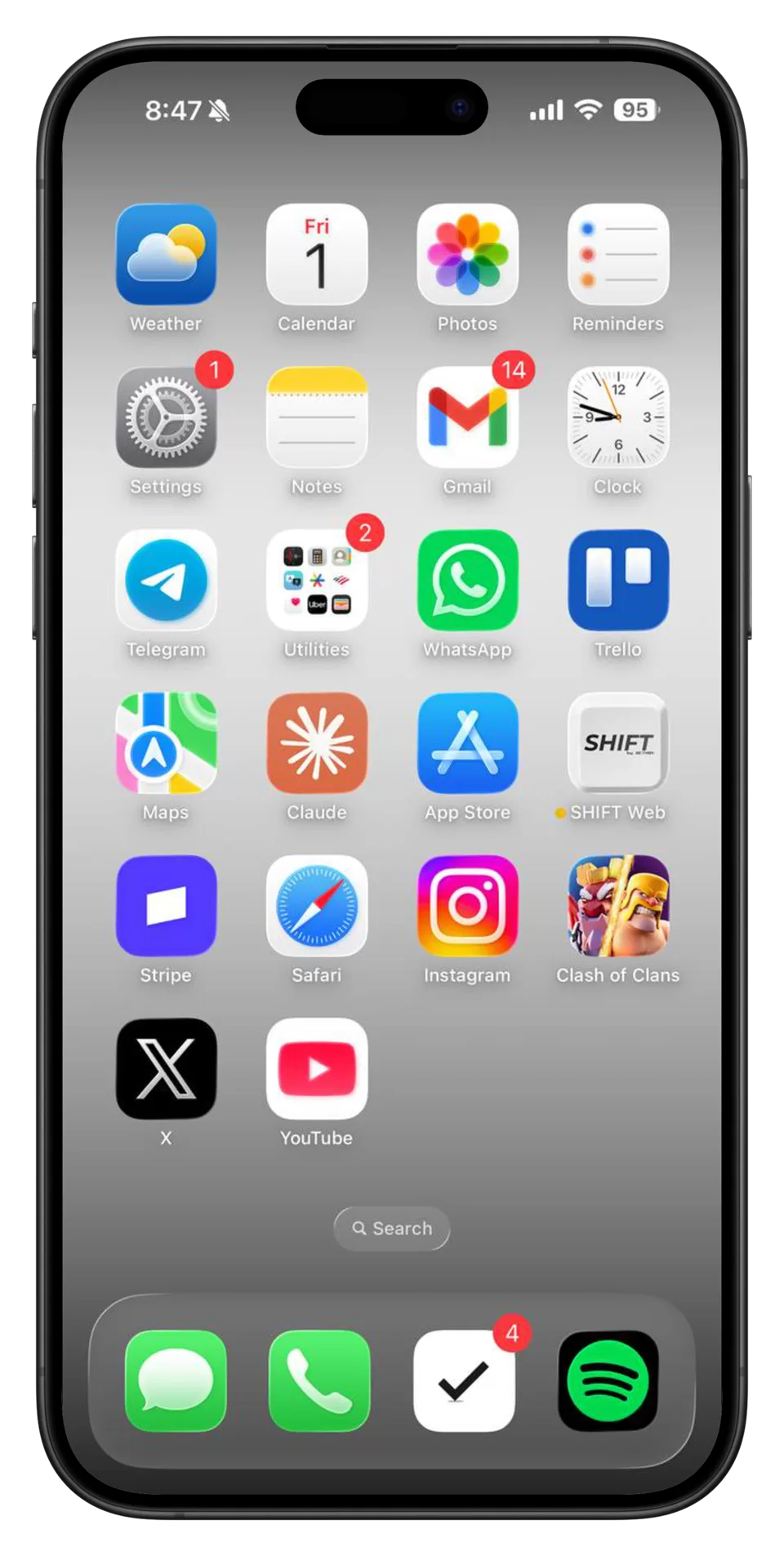
A visual illustration of the Rawk focus boundary.
Get RawkThe ritual
Pair your rock, choose apps, and tap to focus. Scan when you want access back.
Scan your physical rock to pair, then choose the apps you want to set aside.
Tap the onscreen Rawk to hide and restrict selected apps.
Messages, maps, and daily tools you leave unselected remain available.
Out of sight. Still restricted. A physical rock puts a little distance between you and the apps that pull you away.
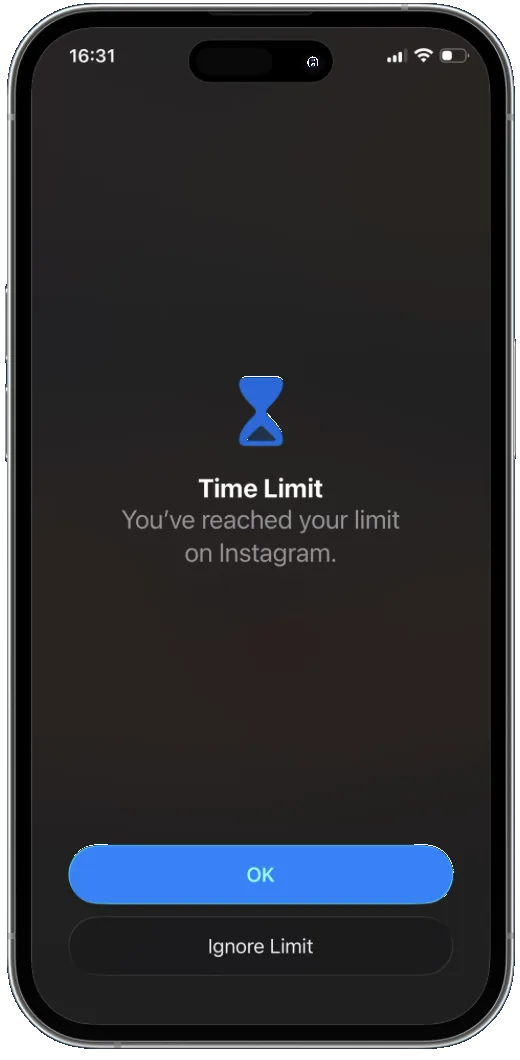


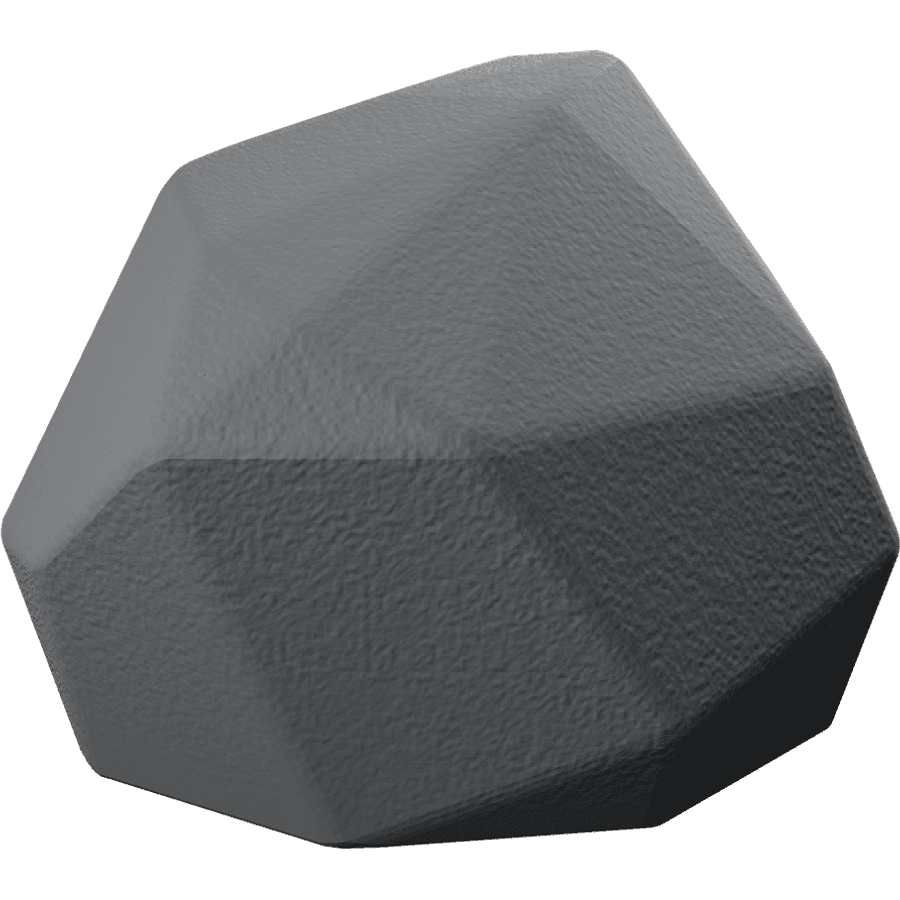
Phone illustrations. Apple authorization and emergency restore remain available.
Physical rocks, one-time purchase. Free standard US shipping.
Free standard US shipping
1 physical rock
One-time purchase
2 physical rocks
One-time purchase
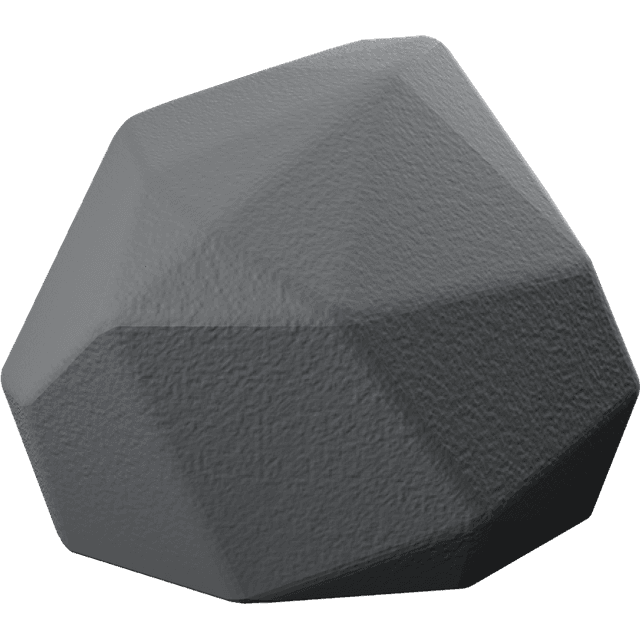
5 physical rocks
One-time purchase
One-time purchase · Free standard US shipping · Tax calculated at checkout
Rawk is a physical iPhone app blocker. It hides and restricts selected distracting apps during focus; unselected essentials stay available. Apps stay installed. Designed for iPhone with iOS 18 or later and compatible NFC.
One-time purchase from $99, with free standard US shipping. To restore access, tap End in the app and scan your paired Rawk. Timed sessions and Emergency reset also restore access.
Your experience matters
Rawk reviews will come from people who have used their rock. Share the small outcome, the hard moment, or the ritual that stuck.
What did you reach for less?
What stayed available when you needed it?
What did the scan make easier?
Ready to make the boundary physical?
Get Rawk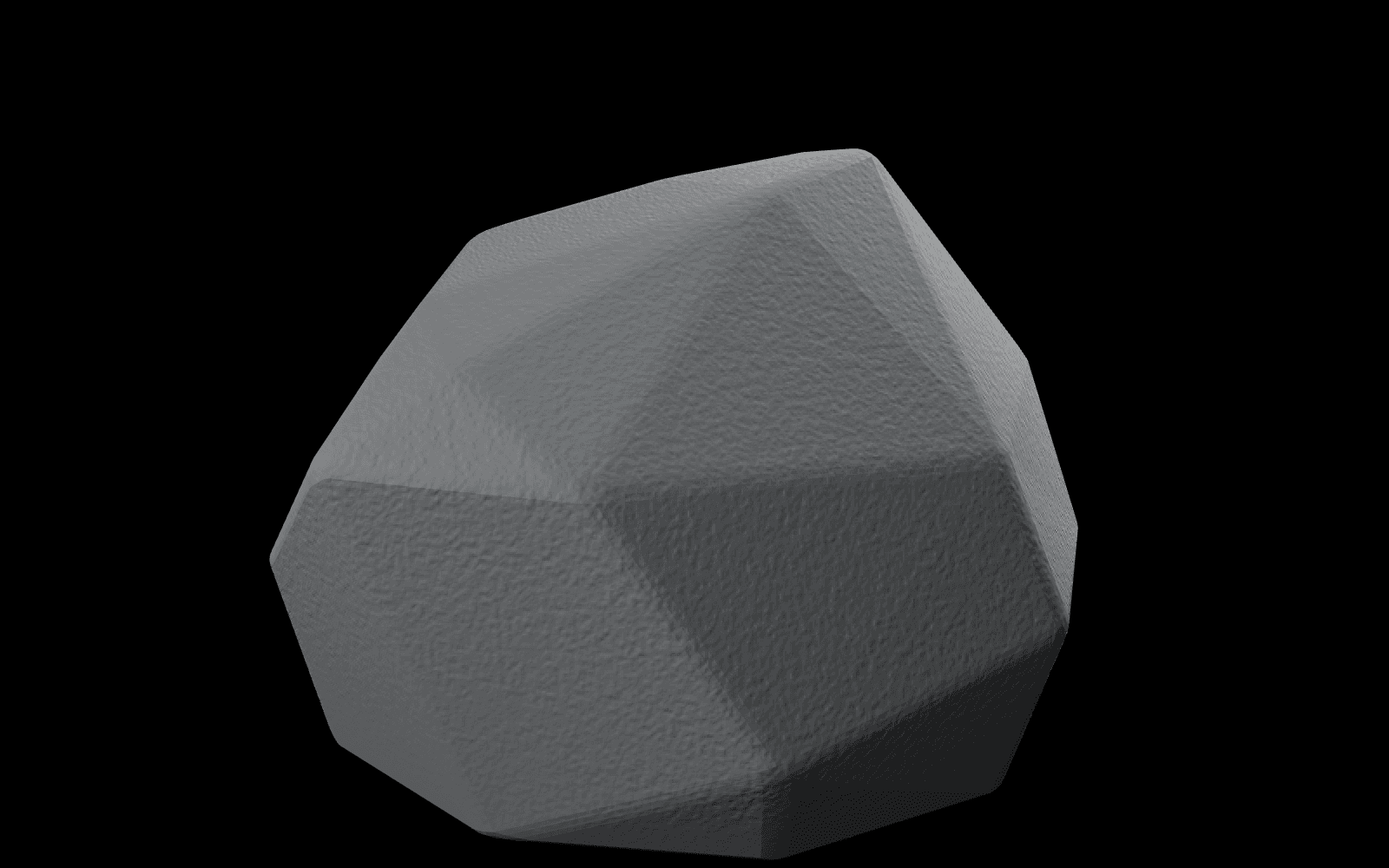
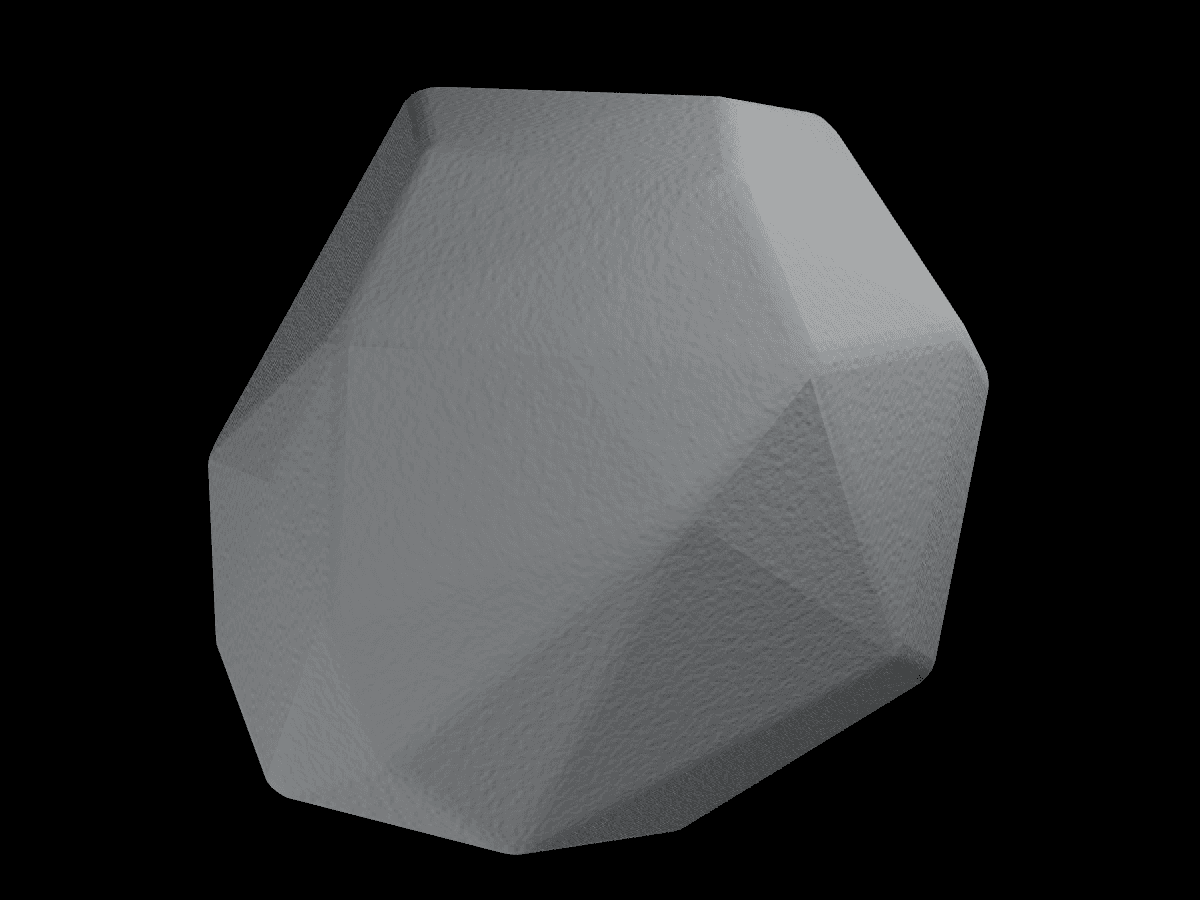
Design previews from the product model. All four studio views.